Guides
Listing photo tips for Airbnb & STR galleries
Guests skim thumbnails first. This guide covers capture and order only: hero frames, light, sequence, and pitfalls. Coverage lives in the checklist guide; truthful, light-touch edits in the ethics guide.
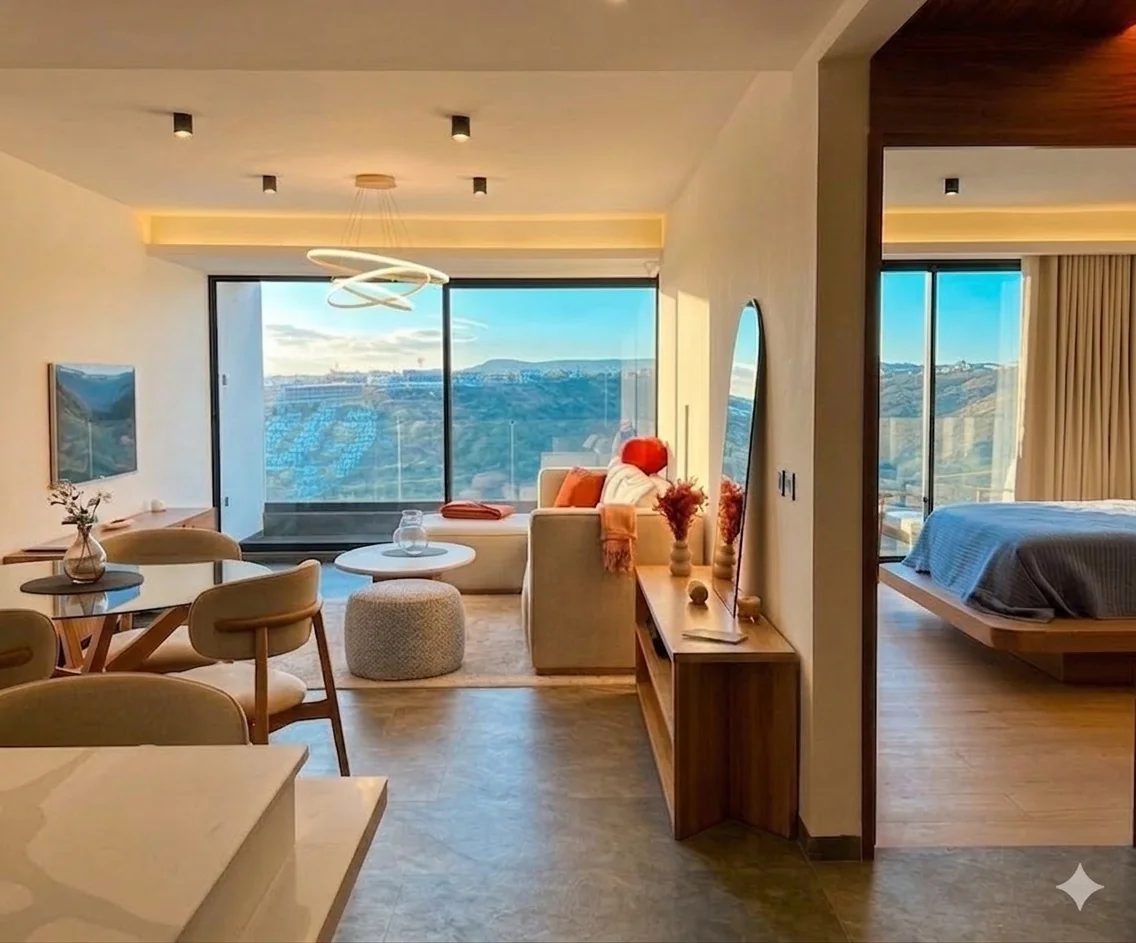
Lead with a clear hero
Answer “where am I staying?” in one frame: living, primary bedroom, or a standout amenity. Use horizontal composition without extreme wide distortion, shoot at a flattering time of day, and keep staging believable on arrival.
Fix light before filters
Raise blinds, add consistent lamps, expose for the room not the window blowout. If warm and cool sources mix, neutralise gently so finishes stay truthful.
Gallery order
- Open with your two strongest spaces (often living + primary sleep).
- Group kitchen and dining so flow is obvious; bathrooms after core living, clean and bright first.
- Close with differentiators: view, outdoor space, workspace, or neighbourhood context.
Common mistakes
- Phone flash on glass or chrome—hot spots look cheap.
- Clutter on counters and nightstands—remove what guests will not see.
- Ultra-wide that inflates room size or duplicate angles that add nothing.
Publish one final image per slot
Rental galleries are not the place for side-by-side or slider comparisons—only the finished frame guests will see. Iterate in your editing workflow if you need to, then upload that single result for each scene.
Where airglow ai helps
Import from your listing URL or upload originals, then relight or declutter frames that are almost there. Compare versions before you change the cover so the gallery still matches the stay.