Guides
Rental photo checklist: what to show
This is coverage, not a lighting tutorial. Guests filter and skim for proof; missing a promised bed or amenity reads as doubt. Use it when planning or auditing a gallery.
How many photos?
Aim to remove doubt, not hit a number. Match listed sleeping capacity and bathrooms with honest angles before decorative extras. Show parking, laundry, desk, or other promises clearly.
Core spaces
- Each rentable sleeping area—wide enough for bed size and how people move.
- Every guest bathroom with context for size and fixtures—not only a corner crop.
- Kitchen from a standing workflow: appliances, counters, seating if dining is shared.
- Main living/common space where guests spend waking hours—not only the entry.
Amenities people filter for
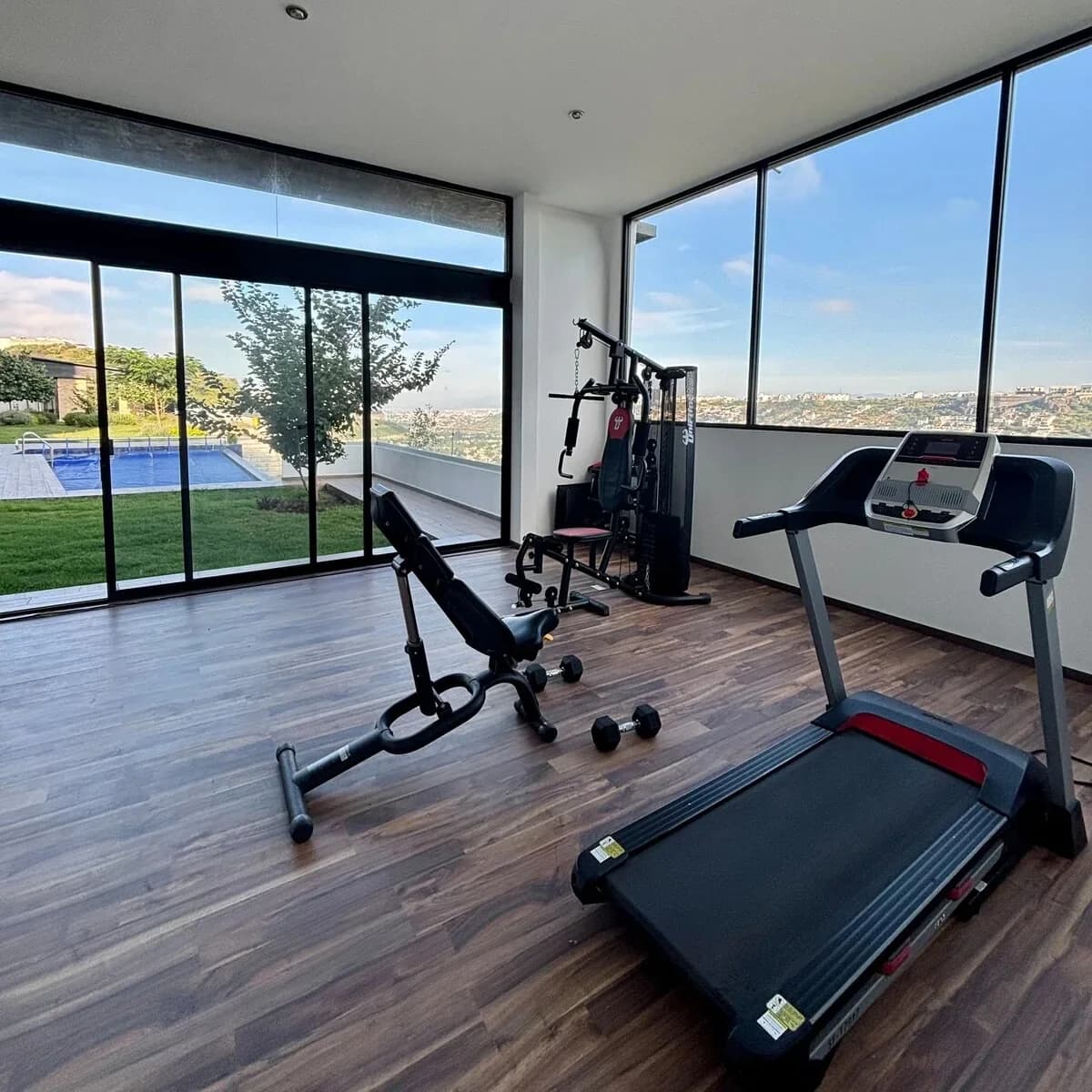
If OTA filters list hot tubs, pools, EV chargers, workspace, gym, or pet areas, show each legibly. Surface steep stairs, narrow halls, or shared entries in at least one honest establishing shot.
Angles often missing
- Approach and parking when convenience matters.
- Thermostats or climate controls when weather sells your market.
- Outdoor seating from where a guest sits, not only the façade.
- Luggage or gear storage for families and longer stays.
Where airglow ai helps
When the right rooms exist but read dark or cluttered, apply the same kinds of fixes across shots instead of dropping them. Import from URL or folder and export finals that match your listing copy.